> ## Documentation Index
> Fetch the complete documentation index at: https://docs.mindset.ai/llms.txt
> Use this file to discover all available pages before exploring further.
# Agent flexible UI
> Enabling the flexible UI mode for an embedded agent
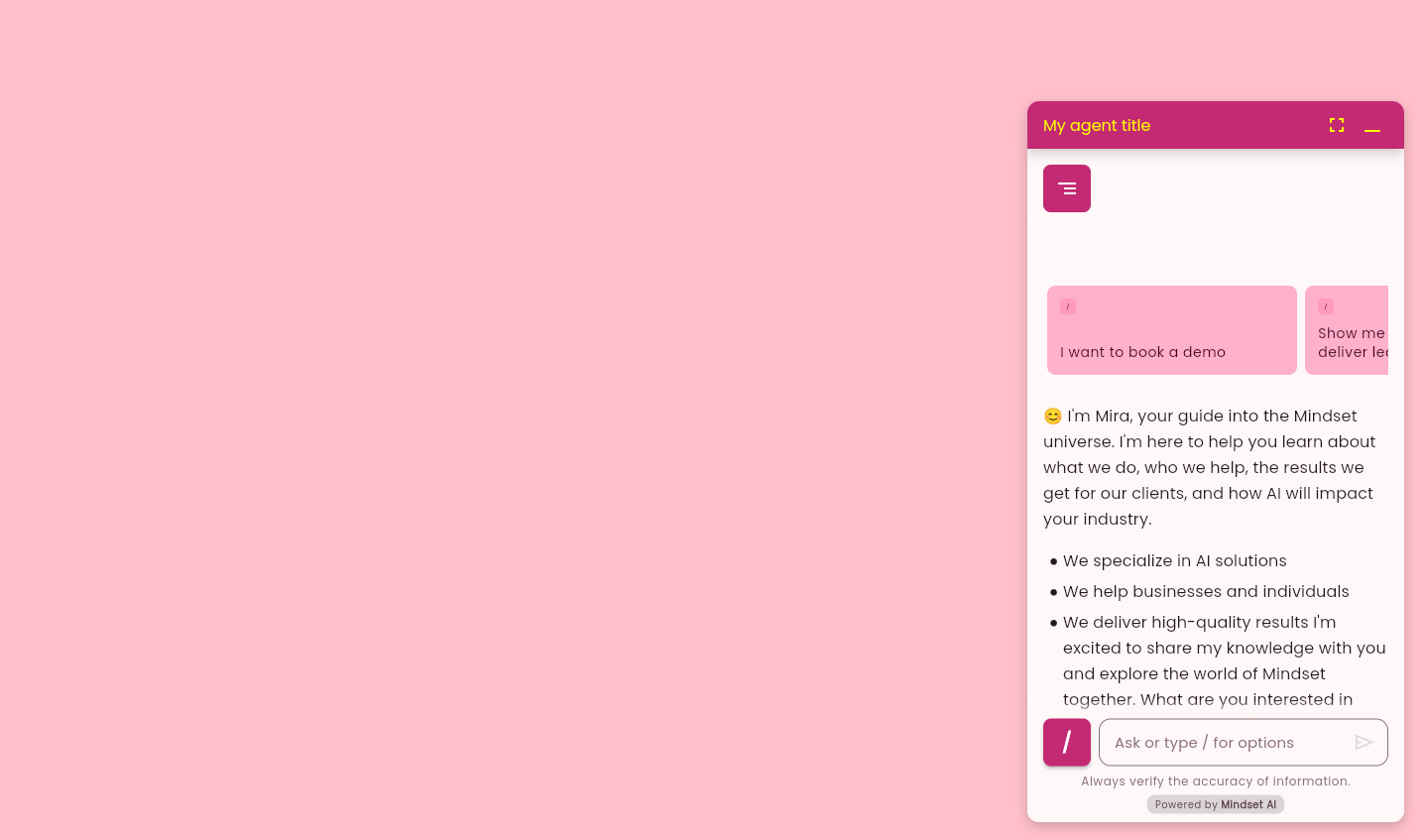
With **Flexible UI** mode, agents are no longer limited to a fixed chat window. Your agent can collapse into a button, minimized to its original state, and expand into full screen.
Please see the [Embed agent with flexible UI demo](/sdk-api/sdk/agent-demo-flexibleui)
Here's a guide that describes how to enable the flexible UI mode for an embedded agent, along with the various possible parameters.
## Embedded agent default UI
By default, an embedded agent is displayed in an HTML container of your choice.
Please see the [Embed agent demo](/sdk-api/sdk/agent-demo)
## Enable the flexible UI mode
 ### How to enable the flexible UI mode ?
To enable flexible UI, the `` tag needs to be wrapped in ``
```javascript theme={null}
```
### Configurable attributes for the `` tag
#### 1. agent-title
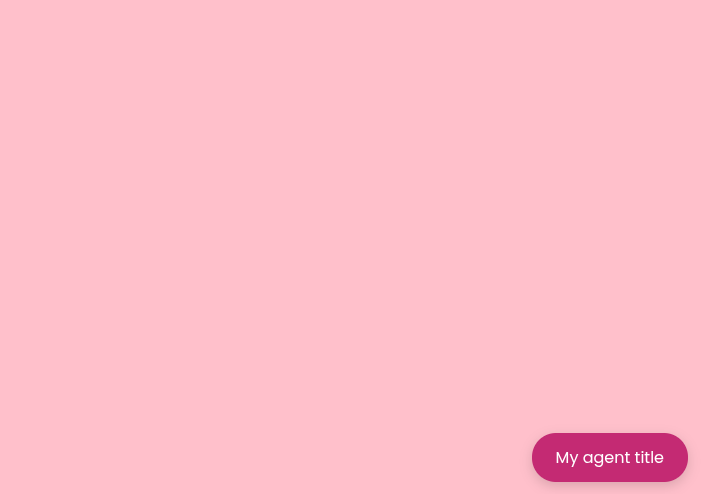
**agent-title** is the itle that will be visible as the button title, or header title.
if a string is not passed, default will be `Mindset Chat`.
```javascript theme={null}
```
### How to enable the flexible UI mode ?
To enable flexible UI, the `` tag needs to be wrapped in ``
```javascript theme={null}
```
### Configurable attributes for the `` tag
#### 1. agent-title
**agent-title** is the itle that will be visible as the button title, or header title.
if a string is not passed, default will be `Mindset Chat`.
```javascript theme={null}
```
 #### 2. agent-icon
**agent-icon** is the icon visible on the button or header with title. If the icon’s URL is not passed, the agent will not display any icon
```javascript theme={null}
```
#### 2. agent-icon
**agent-icon** is the icon visible on the button or header with title. If the icon’s URL is not passed, the agent will not display any icon
```javascript theme={null}
```
 #### 3. agent-view-mode
This dictates the availability of agent view modes. **agent-view-mode** can be one of the following values:
**chat-only**
This mode will display the agent in a chat-only view, without any full-screen mode.
```javascript theme={null}
```
#### 3. agent-view-mode
This dictates the availability of agent view modes. **agent-view-mode** can be one of the following values:
**chat-only**
This mode will display the agent in a chat-only view, without any full-screen mode.
```javascript theme={null}
```
 **tray-only**
This mode displays the agent in full-screen view, without any chat mode.
```javascript theme={null}
```
**tray-only**
This mode displays the agent in full-screen view, without any chat mode.
```javascript theme={null}
```
 **no-tray**
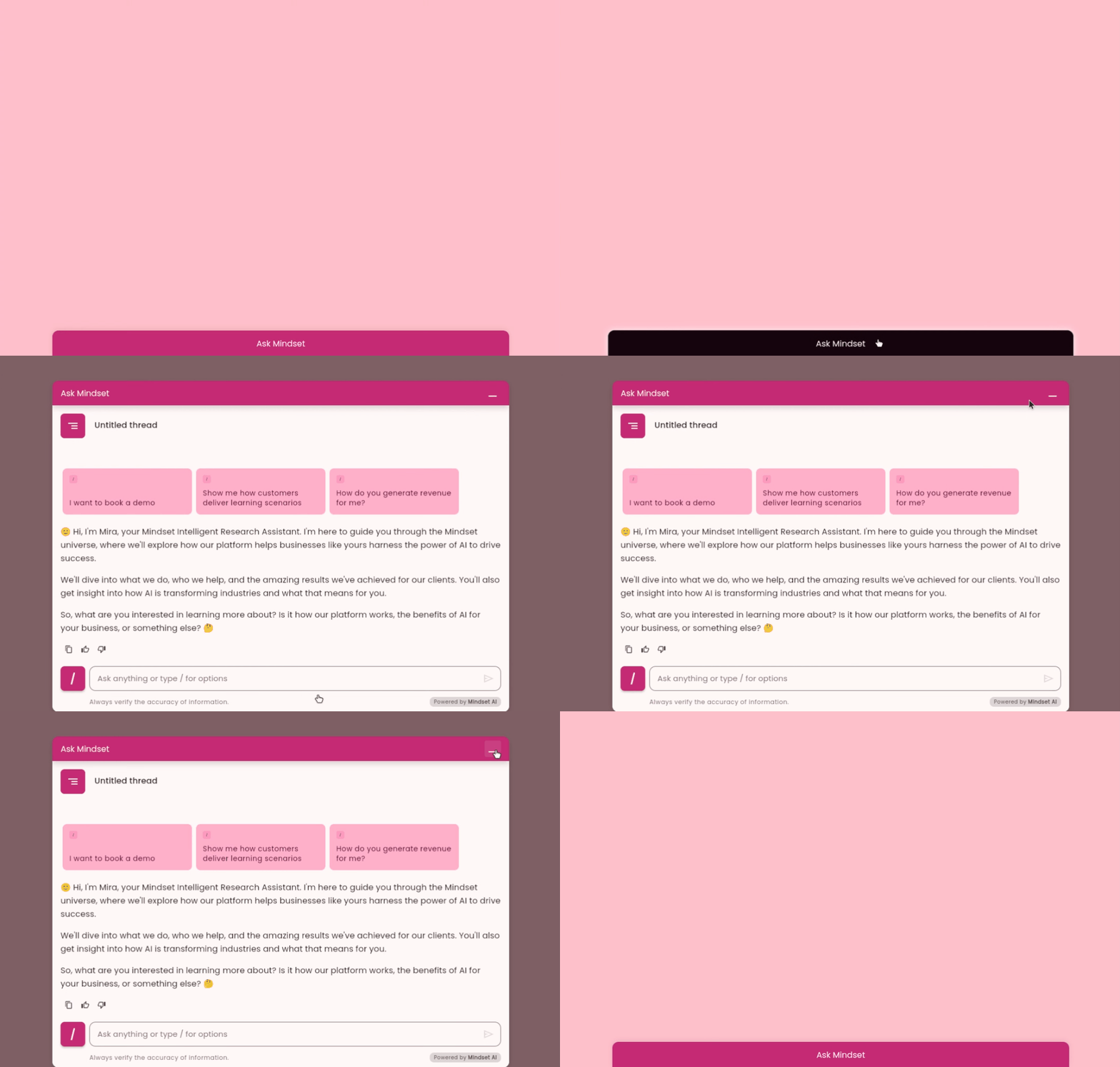
This mode disables the tray's full-screen view, hence when minimizing the agent in full-screen mode , it returns to the 'button' state.
```javascript theme={null}
```
**no-tray**
This mode disables the tray's full-screen view, hence when minimizing the agent in full-screen mode , it returns to the 'button' state.
```javascript theme={null}
```
 **all**
That is the default mode, which will display the agent in both chat and tray modes, allowing users to switch between them.
```javascript theme={null}
```
#### 4. agent-header-color-override
This parameter can accept text color or hex code. can be used to force override the background color of button, tray and header. This parameter takes priority over theme color.
```javascript theme={null}
```
**all**
That is the default mode, which will display the agent in both chat and tray modes, allowing users to switch between them.
```javascript theme={null}
```
#### 4. agent-header-color-override
This parameter can accept text color or hex code. can be used to force override the background color of button, tray and header. This parameter takes priority over theme color.
```javascript theme={null}
```
 #### 5. agent-text-color-override
This parameter can accept text color or hex code. can be used to force override the text color of button, tray and header. This parameter takes priority over theme color.
```javascript theme={null}
```
#### 5. agent-text-color-override
This parameter can accept text color or hex code. can be used to force override the text color of button, tray and header. This parameter takes priority over theme color.
```javascript theme={null}
```