Agents
Creating Agents
Learn how to create an Agent.
The Agent’s configuration shapes how it behaves and interacts with users. This finely-tuned setup remains constant throughout user engagement, where even small changes in tone or language can significantly affect performance and user perception.
Due to its sensitivity, any modifications to the configuration must be approached with care, ensuring they are carefully evaluated for their impact. Monitoring these changes is essential for maintaining a balance between user satisfaction and the Agent’s effectiveness, allowing for ongoing improvement in the interaction experience.
This dynamic configuration covers various aspects, from defining the Agent’s purpose and personality to establishing operational rules and using specialized tools, all aimed at improving the quality and efficiency of user interactions.
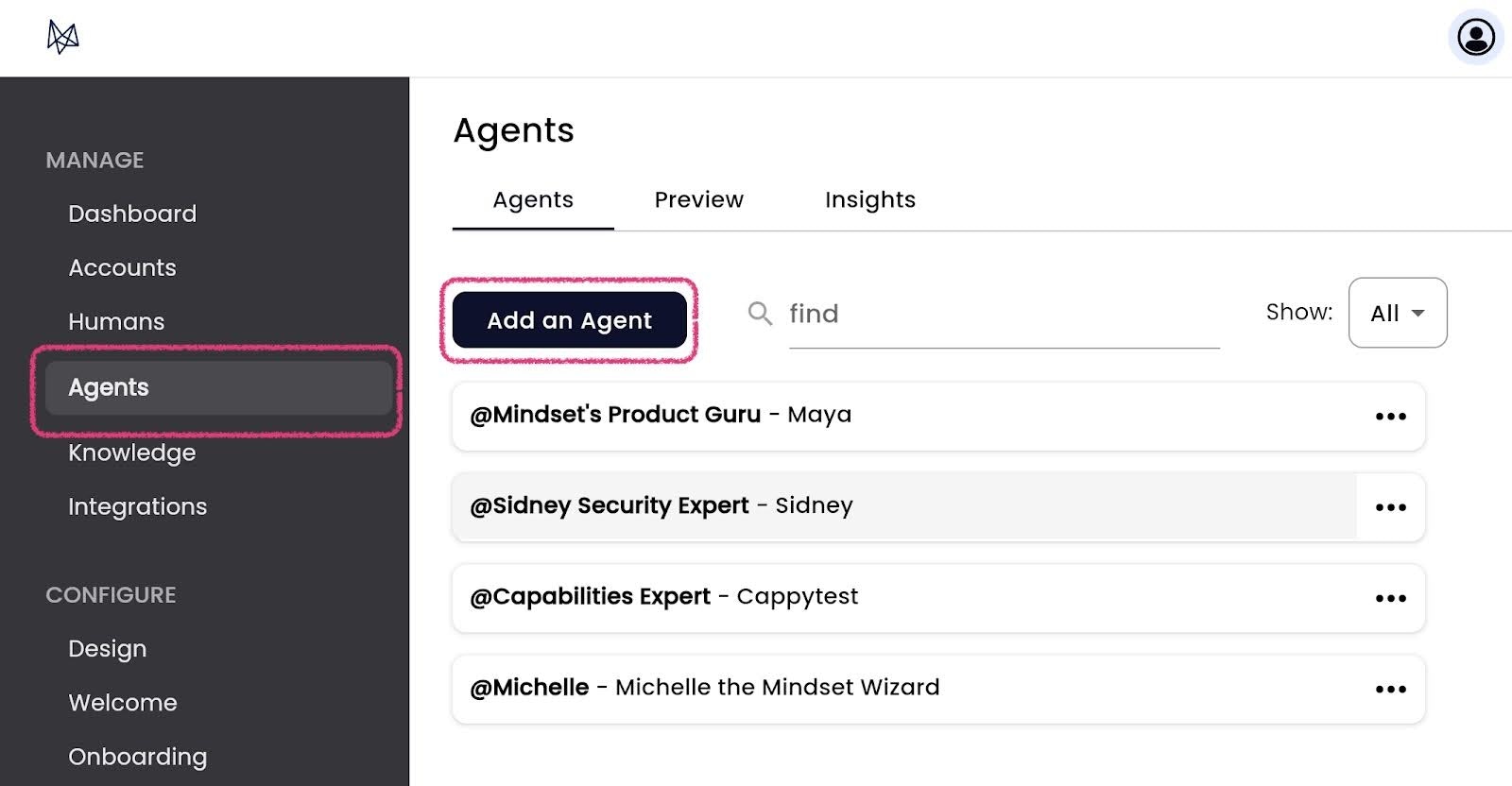
To initiate the creation of a new agent, select the Add an Agent button. Each agent represents a specific use case and purpose. Often, an agent can be built for a task or role. They can provide answers to any queries, if they have been connected to the right data sources, and execute tasks that align with their role.